CardReader for Mac
Move photos from your card to the right folder—fast.
CardReader makes photo ingest on your Mac simple and dependable. Bring in a whole card for free, pull only your keepers when you need to, and get your files where they belong without a cluttered desktop workflow.
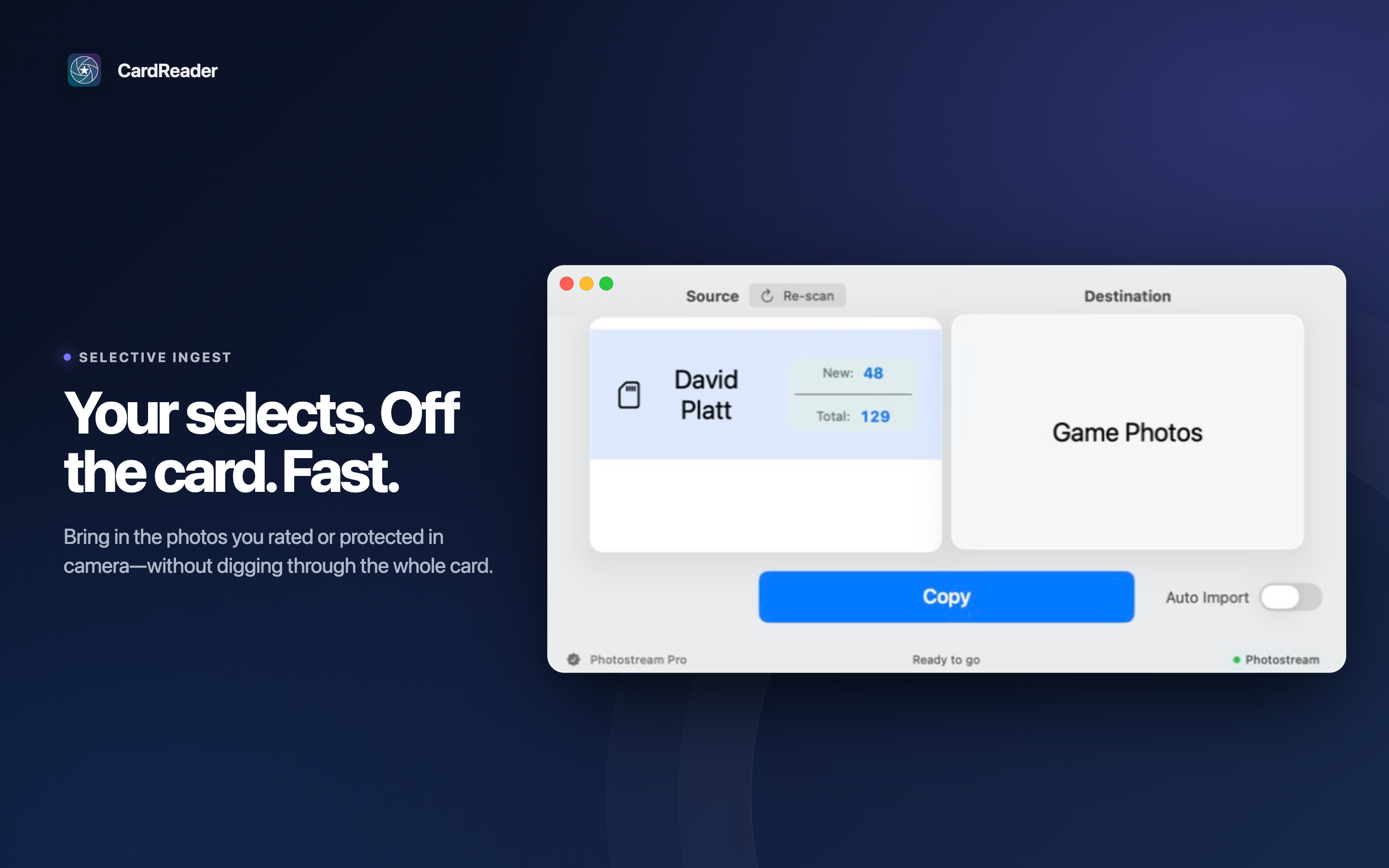
How it works
- Connect. Insert an SD card or plug in a USB drive. CardReader detects it automatically.
- Choose what to bring in. Import everything for free, or use Pro to pull only rated, protected, or matching selects.
- Copy with confidence. Pick your destination, choose how to handle duplicates, and let CardReader move your files there.
For a clean ingest
Move files directly to the folder you want, with duplicate handling that fits your workflow.
For faster selects
Use ratings and protection marks to import only the images you want to work with next.
For live delivery
Connect Photostream and let an editor receive images as they arrive on your Mac.
Everything you need at ingest
- Unlimited imports, free — Bring over as many photos as you want.
- Auto-detect drives — SD cards and USB drives appear when connected.
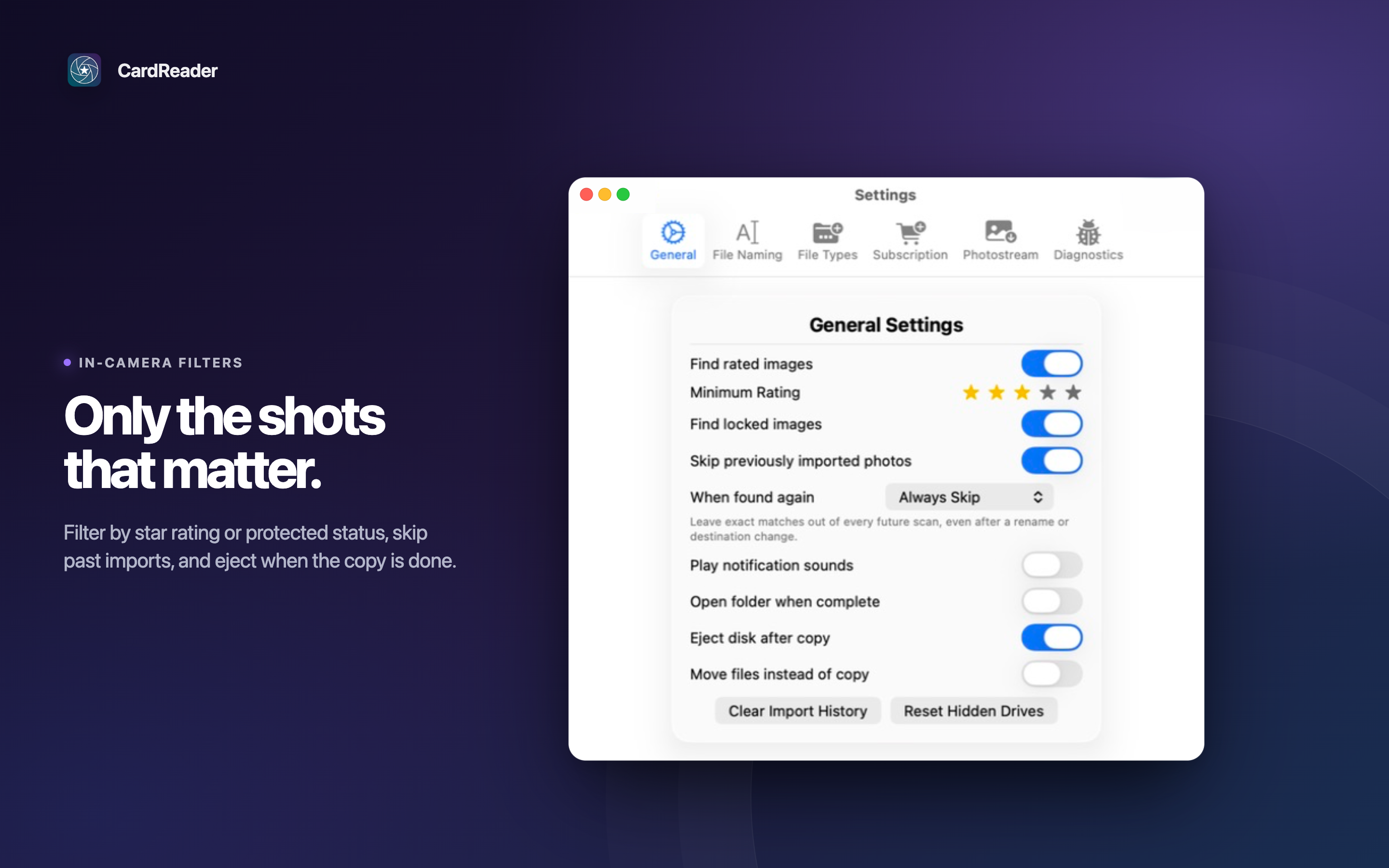
- Selective imports with Pro — Pull only rated, protected, or matching selects.
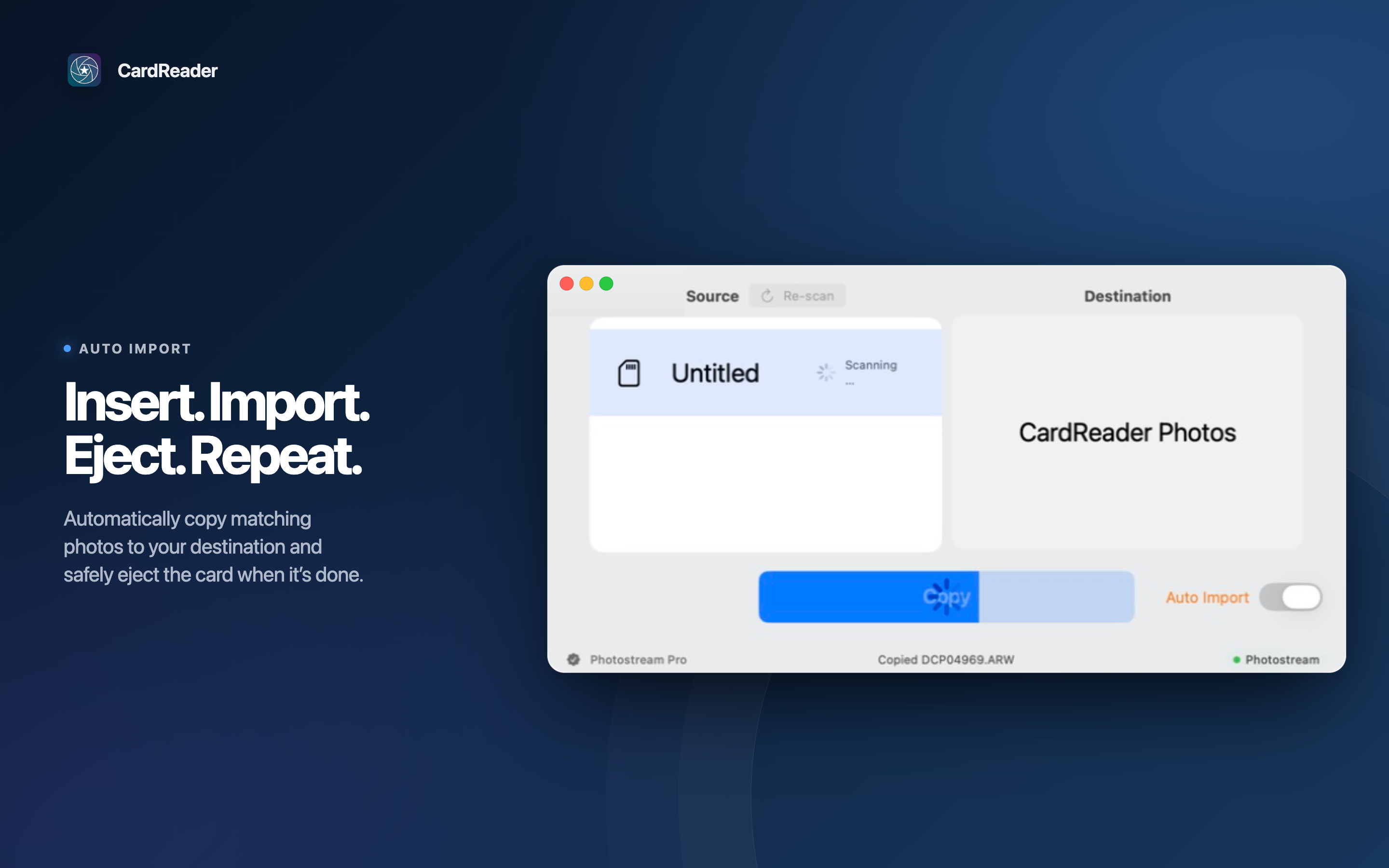
- Automate the routine with Pro — Import when a card arrives, then eject when finished.
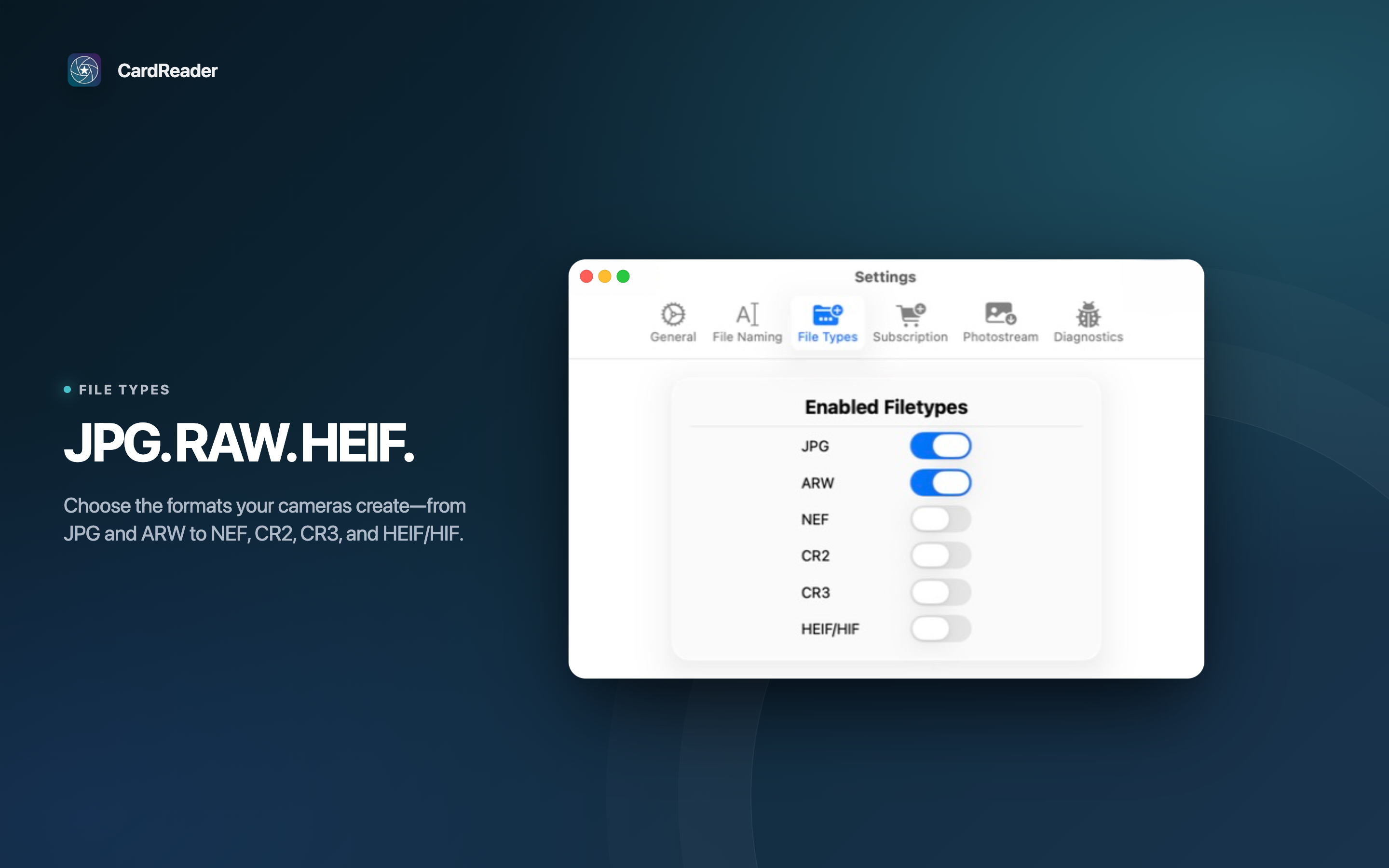
- RAW and HEIF support with Pro — Import ARW, NEF, CR2, CR3, and HEIF alongside JPG.
- Import history with Pro — Skip photos you have already imported.
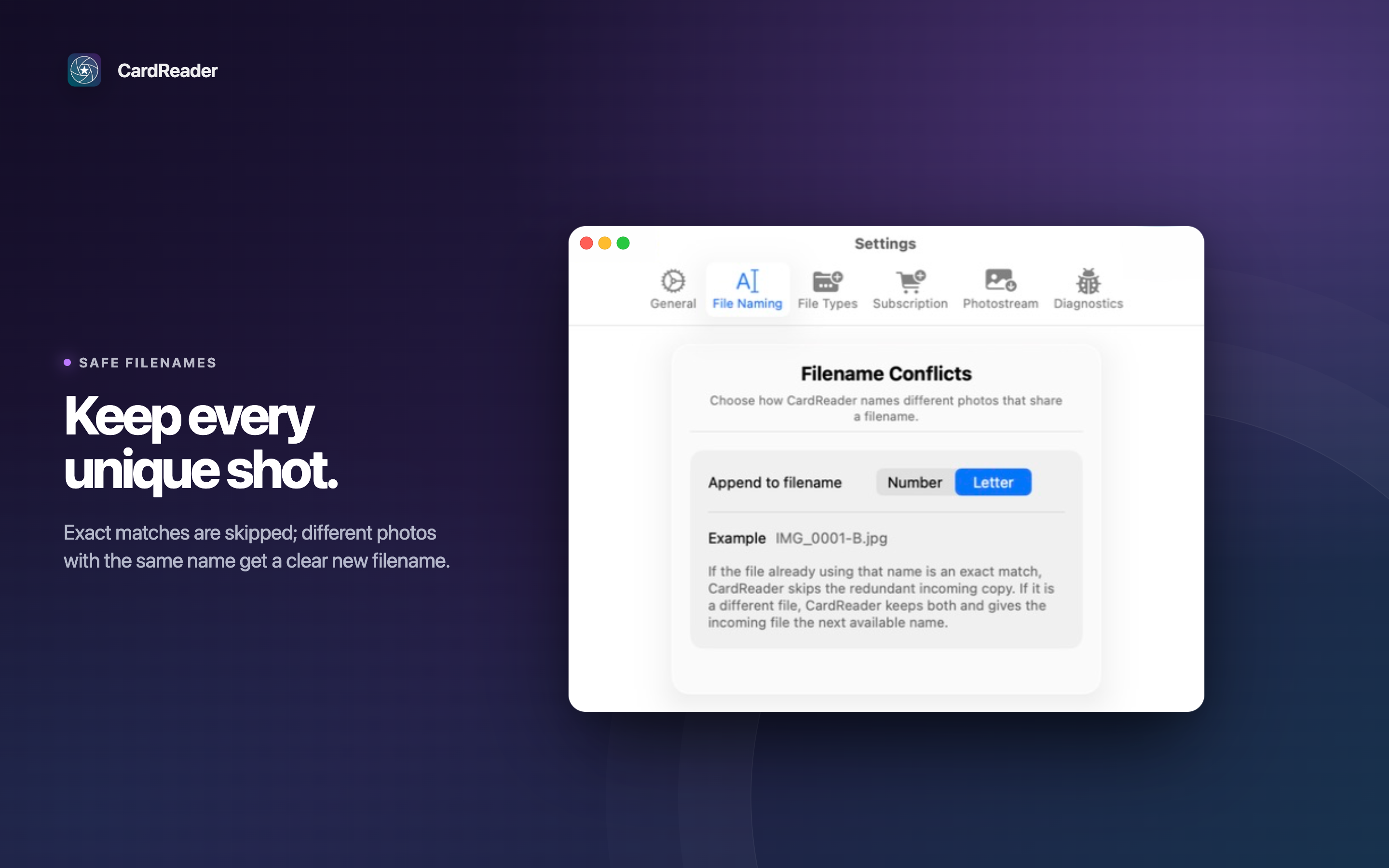
- Stay in control of duplicates — Overwrite existing files or keep both.
- Private by design — Local imports stay on your Mac; uploads happen only when you join a Photostream event.
For live delivery
Meet Photostream
Photostream is the live delivery workspace for your shoot. Connect CardReader to an event and photos appear in your editor's gallery as they are imported, with your photographer name and EXIF metadata intact.
Its persistent upload queue keeps working through a slow or interrupted connection, so you can focus on the next card while your editor keeps moving.
Connect with a join code
- Ask your event organizer or editor for the word-pair join code, such as
BLUE-HAWK. - In CardReader, open Settings → Photostream.
- Enter or paste the code, then choose Join Photostream Event.
While connected, CardReader sends new imports to that event and unlocks its advanced ingest features for the session—including selective imports, RAW and HEIF support, Auto Import, and import history.
Screenshots
View screenshots
Start free. Upgrade when you need more control.
Free
Unlimited imports, automatic drive detection, destination selection, duplicate handling, and JPG ingest.
CardReader Pro
Selective rated and protected imports, RAW and HEIF support, Auto Import, import history, and additional filtering controls.
Photostream-connected sessions unlock the advanced workflow automatically. Subscribe to CardReader Pro when you want those tools without a Photostream event.
Privacy Policy
Effective date: September 8, 2026
This policy describes how Platt Solutions, LLC ("we", "us") handles information in the CardReader application ("App") for macOS.
Data Collection
CardReader does not collect personal data for advertising or tracking purposes. We do not have user accounts or profiles.
What Stays on Your Device
All data created or used by CardReader's local import features remains entirely on your Mac:
- Image files read from removable drives (SD cards, USB drives)
- Files copied or moved to your chosen local folder
- User preferences stored in macOS UserDefaults
- Security-scoped bookmarks for folder access permissions
- A local SQLite database tracking previously imported filenames to avoid duplicates
Photostream (Optional Feature)
When you choose to connect to a Photostream event, the following data is transmitted to our servers (photostream.platt.ing):
- Your display name (chosen by you when joining)
- Imported photos (resized/compressed per your quality settings, or full originals if selected)
- Photo metadata: camera model, lens, ISO, aperture, shutter speed, focal length, capture time, and photographer name (extracted from EXIF)
- A join code to identify the event session
Photostream uploads only occur when you explicitly connect to an event and have uploads enabled. You can disconnect at any time, and no further data is transmitted. Photos are stored on our servers for the duration of the event and are subject to the event organizer's retention settings.
Analytics & Crash Reporting
Crash reporting and usage analytics are enabled by default to help us improve CardReader. They are separate controls, and you can turn either one off at any time in CardReader's Settings > Diagnostics. Your choices are stored locally on your Mac.
- Crash reports (Sentry) — Unless you turn crash reporting off, CardReader sends crash, performance, app, and device diagnostics to Sentry so we can identify reliability problems. We do not intentionally include photo contents or filenames.
- Usage analytics (TelemetryDeck) — Unless you turn usage analytics off, CardReader sends basic product interactions, sessions, app and device information, and a pseudonymous device identifier to TelemetryDeck so we can understand which workflows need improvement. This data is not linked to your name or Photostream account.
Turning a control off stops future collection by that service. For crash reporting, data recorded while sharing was enabled may finish sending as Sentry shuts down; any diagnostic data still queued locally afterward is removed. Diagnostic data is not used for advertising or tracking and is not sold.
Where applicable, we process this diagnostic data based on our legitimate interest in maintaining CardReader's reliability and understanding which product workflows need improvement. We limit the data as described above, keep the controls independent, and provide an in-App way to object by turning either service off.
Third-Party Services
CardReader uses Sentry for crash reporting and TelemetryDeck for usage analytics unless you disable the corresponding control. Those providers process diagnostic data on our behalf, and we require them to protect it consistently with this policy and applicable law. Apart from Photostream when you connect it and these diagnostics, CardReader does not send app data to third parties. No ad networks are used.
Support Requests
If you choose Send Feedback or Email Report, CardReader opens your email app and nothing is sent unless you send the message. An attached diagnostic report contains the CardReader and macOS versions, current app settings (including the last destination path), and recent activity logs that may include drive, folder, or file names. It does not include photo contents. We use support messages and reports only to respond to you and troubleshoot CardReader.
Subscriptions
Subscription status is verified through Apple's StoreKit framework. We do not operate any external server for subscription validation. We do not have access to your payment information — all billing is managed by Apple.
Retention, Deletion, and Your Choices
Local preferences, bookmarks, and import history remain on your Mac until you clear them in CardReader or remove the App's data from your Mac. Deleting only the CardReader application may not remove its saved data. Photostream data is retained as described above. Support messages are retained only as long as needed to respond, troubleshoot, and meet legal obligations.
Sentry and TelemetryDeck retain diagnostic data according to their service terms and our account configuration, and delete or anonymize it when it is no longer needed for those purposes. You can stop future diagnostic collection at any time in Settings > Diagnostics. To request access to or deletion of data we control, contact david [at] platt.ing. Because diagnostics are not linked to a CardReader account or your name, include any event or device identifier available to you; we may be unable to identify a particular anonymous record as yours.
Children's Privacy
CardReader is not directed to children under 13, and we do not knowingly collect personal information from children under 13. If you believe a child has provided personal information through Photostream or a support request, contact us so we can review and delete it where appropriate.
Changes to This Policy
If we update this policy, the revised version will be posted at this URL with an updated effective date.
Questions or Comments
If you have questions or comments about this privacy policy, please contact david [at] platt.ing.
Terms of Service
Effective date: May 15, 2026
These Terms of Service ("Terms") govern your use of the CardReader application ("App") developed by Platt Solutions, LLC ("Company", "we", "us"). By using the App, you agree to these Terms.
License
We grant you a non-exclusive, non-transferable license to use the App on any Apple-branded products that you own or control, as permitted by the Usage Rules set forth in the Apple Media Services Terms and Conditions.
Description of Service
CardReader is a macOS utility that imports photos from removable drives (SD cards, USB drives) to a local folder on your Mac. The App also includes Photostream, an optional feature that uploads imported photos to a shared event gallery hosted at photostream.platt.ing.
Subscriptions
Certain features require an active subscription. Subscriptions are managed entirely through Apple and the Mac App Store. Billing, renewals, and cancellations are governed by Apple's terms. We do not process payments directly.
User Responsibility
You are solely responsible for your files, including maintaining backups. CardReader copies or moves files at your direction. We are not responsible for any data loss, corruption, or unintended file modifications that may occur during use.
Disclaimer of Warranties
The App is provided "as is" and "as available" without warranties of any kind, whether express or implied, including but not limited to implied warranties of merchantability, fitness for a particular purpose, and non-infringement.
Limitation of Liability
To the maximum extent permitted by applicable law, in no event shall Company be liable for any indirect, incidental, special, consequential, or punitive damages, or any loss of data, profits, or goodwill, arising out of or in connection with your use of the App.
Apple Acknowledgement
You acknowledge that these Terms are between you and Company only, not with Apple. Apple has no obligation to furnish maintenance or support for the App. Apple, and Apple's subsidiaries, are third-party beneficiaries of these Terms and may enforce them against you.
Changes to These Terms
We may update these Terms from time to time. The revised version will be posted at this URL with an updated effective date. Continued use of the App constitutes acceptance of the updated Terms.
Contact
Questions or concerns about these Terms can be directed to: david [at] platt.ing
End User License Agreement (EULA)
This Agreement is a legal agreement between you ("User") and Platt Solutions, LLC ("Company") for the use of the CardReader application ("App") on macOS. By using the App, User agrees to be bound by the terms and conditions of this Agreement.
Acknowledgement
User acknowledges that this Agreement is concluded between User and Company only, and not with Apple, and that Company, not Apple, is solely responsible for the Licensed Application and the content thereof.
License Grant
Company grants User a non-exclusive, non-transferable license to use the App on any Apple-branded products that the User owns or controls and as permitted by the Usage Rules set forth in the Apple Media Services Terms and Conditions.
Maintenance and Support
Company is solely responsible for providing any maintenance and support services with respect to the App. User acknowledges that Apple has no obligation whatsoever to furnish any maintenance and support services with respect to the Licensed Application.
Warranty
Company is solely responsible for any product warranties, whether express or implied by law, to the extent not effectively disclaimed. In the event of any failure of the App to conform to any applicable warranty, the User may notify Apple, and Apple will refund the purchase price for the App to that User; and, to the maximum extent permitted by applicable law, Apple will have no other warranty obligation whatsoever with respect to the App.
Product Claims
User acknowledges that Company, not Apple, is responsible for addressing any claims relating to the Licensed Application or the User's possession and/or use of it, including: (i) product liability claims; (ii) any claim that the Licensed Application fails to conform to any applicable legal or regulatory requirement; and (iii) claims arising under consumer protection or privacy legislation.
Intellectual Property Rights
User acknowledges that, in the event of any third-party claim that the Licensed Application infringes that third party's intellectual property rights, Company, not Apple, will be solely responsible for the investigation, defense, settlement, and discharge of any such claim.
Legal Compliance
User represents and warrants that (i) they are not located in a country subject to a U.S. Government embargo or designated as a "terrorist supporting" country; and (ii) they are not listed on any U.S. Government list of prohibited or restricted parties.
Developer Contact
Questions, complaints, or claims should be directed to: Platt Solutions, LLC — david [at] platt.ing
Third Party Terms
User must comply with applicable third-party terms of agreement when using the App.
Third Party Beneficiary
User acknowledges and agrees that Apple, and Apple's subsidiaries, are third-party beneficiaries of this Agreement, and that upon acceptance of these terms, Apple will have the right to enforce this Agreement against the User as a third-party beneficiary thereof.